AI and review
Duplicates
When documents arrive through several channels or someone uploads the same document twice, Saldek helps prevent duplicate bookings. Duplicate detection is included at no extra charge under Saldek’s fair-use policy.
Duplicate detection in Review
When Saldek matches a document to one already recorded, Review displays a prominent banner: “looks like a duplicate of n other documents”. The overview page also shows the number of detected duplicates under “Documents”.
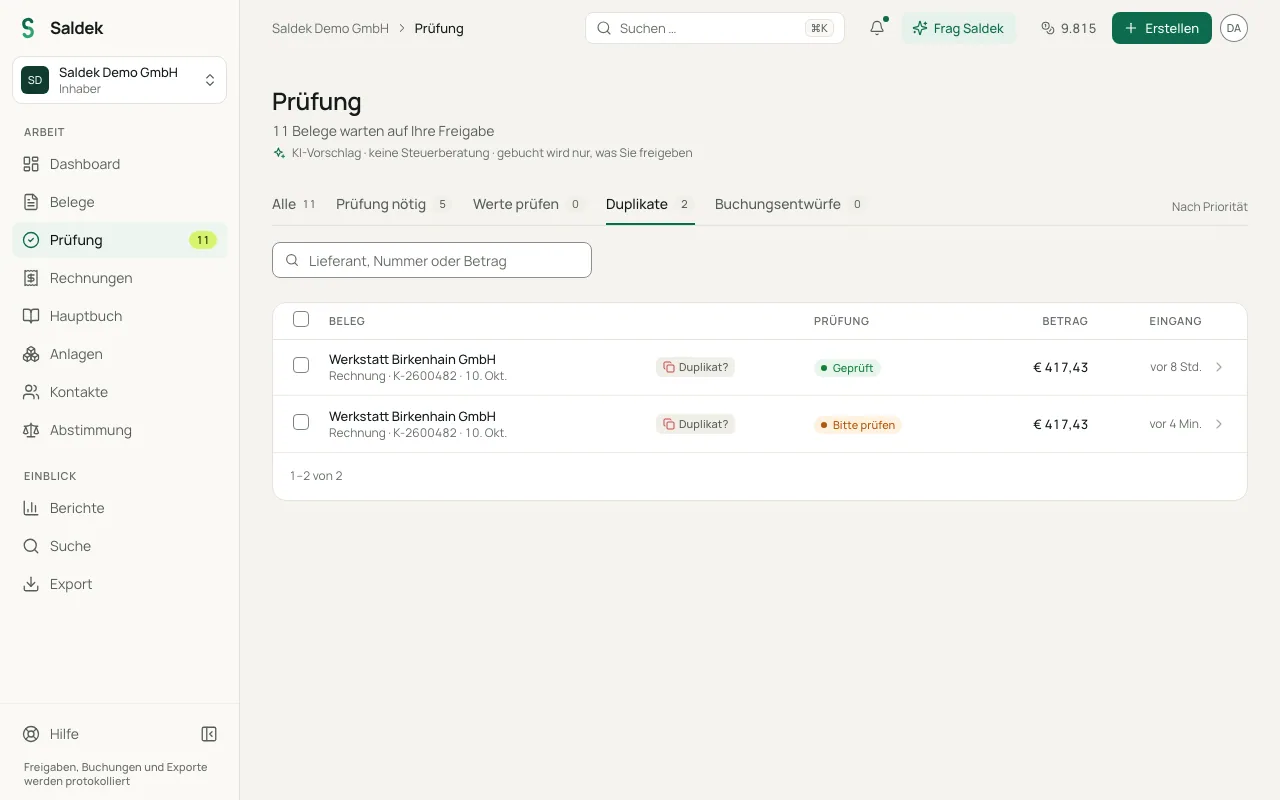
Handle detected duplicates
- Check the notice: Select the linked comparison documents in the banner to confirm whether they record the same transaction.
- Decline the copy: If the document was submitted more than once, select “Decline” for the newly uploaded copy.
- Keep the original: The original document remains unchanged in Review or the ledger.
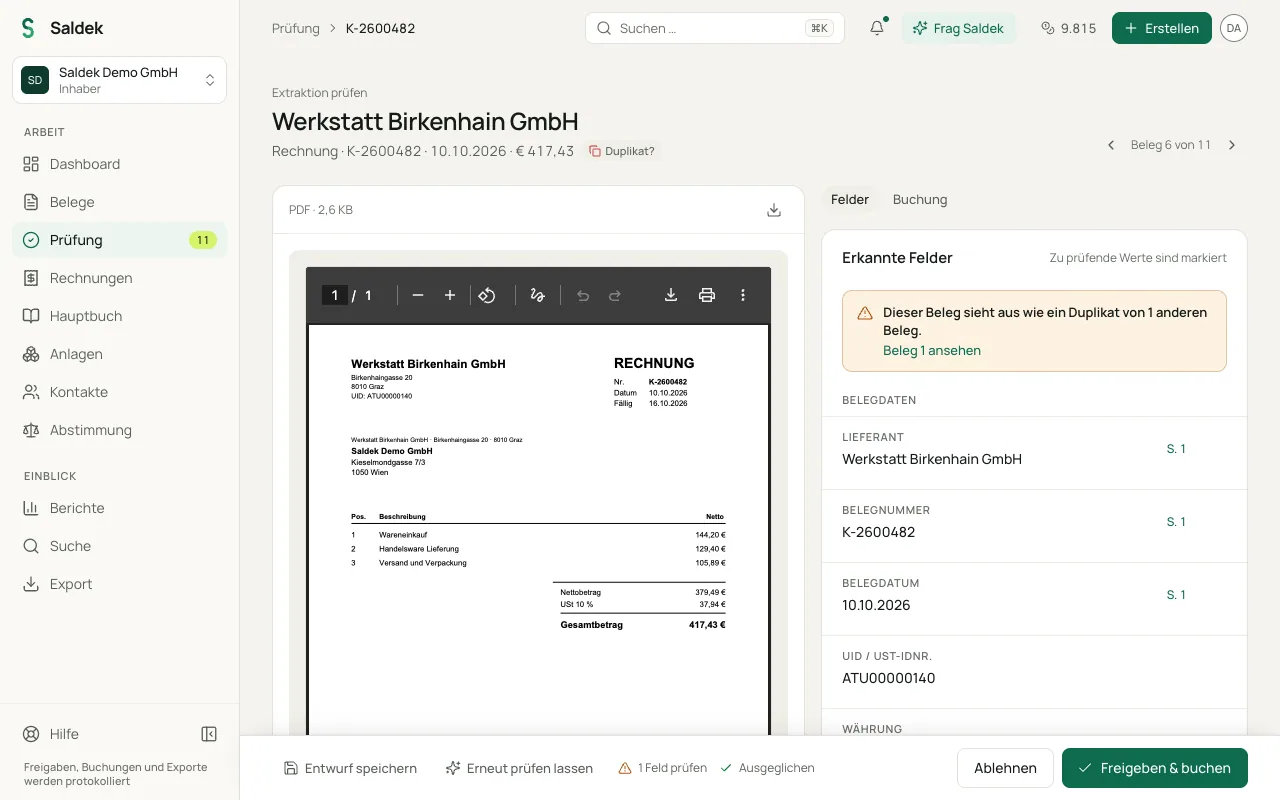
Possible double purchase: “Bought twice?”
Two purchases with the same supplier, day, and amount but different numbers are not a duplicate, but they may be a double purchase. Saldek then asks once for the pair, “Bought twice?”, and shows both documents side by side. With “Both are correct”, both purchases stay and are booked as usual; Saldek remembers your answer and stops asking for the same supplier, product, and amount. With “Double charge”, one purchase keeps its booking, the other is marked as a double charge, and the supplier’s refund is recorded as open. The second document stays with its file and its reading; only its unposted booking proposal is removed, so the purchase is not booked twice.
Your “Both are correct” answers are listed under “Settings” › “AI recognition” › “Purchases you confirmed”. Remove an entry to be asked again. A regular monthly charge, such as a subscription, does not count as a double purchase.
Automatic skipping in integrations
- Email forwarding: Saldek skips emails it has already received and logs them in the system.
- Google Drive: Saldek reports files that were imported before as duplicates and does not process them again.
- Gmail and Outlook: Saldek skips e-mails it has already imported.
- Photos: A phone photo of a document Saldek already has counts as a suspected duplicate and gets no draft entry.
Frequently asked questions
Does Saldek detect documents that were uploaded twice?
Yes. Saldek compares documents and displays a notice in Review when a document resembles one already in your account.
What happens when I decline a duplicate?
When you select “Decline”, Saldek does not post the document. The original remains intact.
What is the difference between a duplicate and a double purchase?
A duplicate is the same document twice, for example uploaded twice. A possible double purchase is two documents with their own numbers that look the same; you decide with “Both are correct” or “Double charge”.
Last updated: